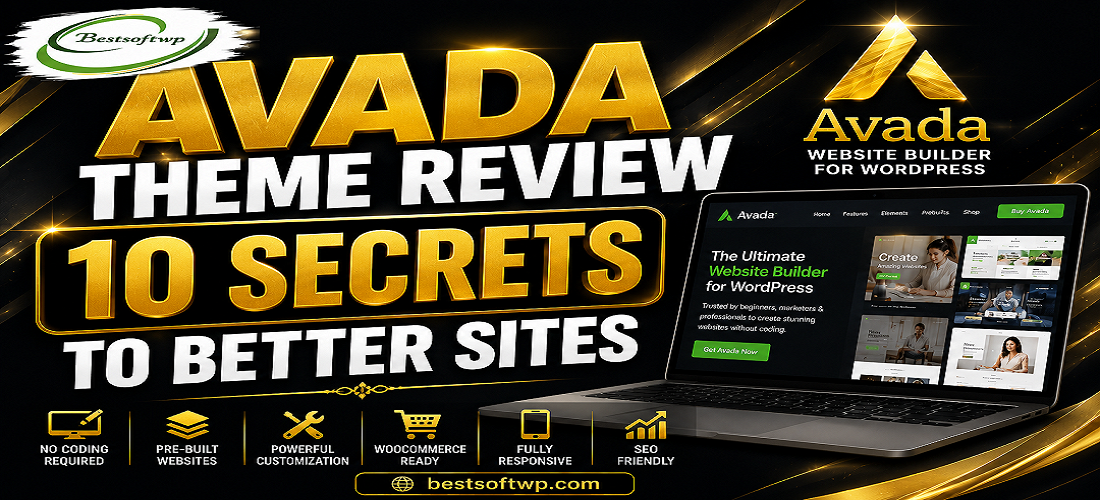
Avada is a premium multipurpose WordPress theme designed for building different types of websites.
It includes visual website-building tools, ready-made designs, customization options, responsive layouts, and WooCommerce support.
This makes Avada useful for beginners, freelancers, agencies, and experienced WordPress users.
1. Use the Visual Builder
Avada’s visual building tools make it easier to create and customize pages without extensive coding.
2. Start With a Pre-Built Website
Use a professionally designed website as your starting point and customize it with your own content.
3. Create Consistent Branding
Customize colors, typography, buttons, layouts, and other elements to create a consistent brand identity.
4. Optimize Your Headers
A well-designed header can improve navigation and help visitors quickly find important pages.
5. Build Mobile-Friendly Layouts
Make sure your website looks and works properly on smartphones and tablets.
6. Improve Website Performance
Use optimized images, quality hosting, caching, and fewer unnecessary plugins to improve overall performance.
7. Use WooCommerce Features
Avada can be used to create professional online stores with customizable WooCommerce layouts.
8. Keep Your Design Simple
Too many visual elements can make a website confusing. Use Avada’s customization options to create a clean user experience.
9. Focus on SEO
Use an SEO-friendly structure together with quality content, proper headings, optimized images, and good technical SEO practices.
10. Keep Your Website Updated
Regularly update WordPress, Avada, plugins, and other website components to maintain security and compatibility.
Avada includes:
• Visual Website Builder
• Pre-Built Websites
• Header & Footer Builder
• WooCommerce Support
• Responsive Design
• Custom Layouts
• Typography Controls
• Blog & Portfolio Options
• Performance Tools
• SEO-Friendly Foundation
Avada can help you:
• Build professional WordPress websites
• Launch websites faster
• Customize pages visually
• Create responsive layouts
• Build WooCommerce stores
• Maintain consistent branding
• Reduce the need for extensive coding
Pros
✔ Powerful visual builder
✔ Large selection of designs
✔ Highly customizable
✔ WooCommerce compatible
✔ Responsive design
✔ Beginner-friendly
✔ Suitable for many website types
✔ Regular updates
Cons
✘ Beginners may need time to learn its many options.
✘ Final website performance depends on hosting, plugins, images, and optimization.
Is Avada good for beginners?
Yes. Its visual tools and pre-built websites make it easier for beginners to create professional websites.
Can Avada be used for WooCommerce?
Yes. Avada supports WooCommerce and provides customization options for online stores.
Does Avada require coding?
No. Many website-building tasks can be completed using its visual tools without writing code.
Is Avada good for SEO?
Avada provides an SEO-friendly foundation, but rankings also depend on content, technical SEO, backlinks, website speed, and other factors.
If you want a flexible WordPress theme with powerful design tools, ready-made websites, and WooCommerce support, Avada is worth considering.
Its wide range of customization options makes it suitable for many different types of websites.
Avada’s biggest strength is its combination of visual building tools, flexible customization, professional designs, responsive layouts, and WooCommerce compatibility.
The key to getting better results is not simply using every available feature, but choosing the right tools and keeping your website clean, fast, and user-friendly.
If you’re looking for a versatile WordPress theme that can help you build better-looking, responsive, and professional websites, Avada is definitely worth considering.